By TereaTV editorial team · Published November 6, 2026
An IPTV subscription can look attractive on a comparison page and still be frustrating for someone who has difficulty reading menus or entering passwords with a remote. Before choosing a plan for an older relative or any viewer with accessibility needs, test the actual television, player and daily navigation. This TereaTV guide is commercial. It describes questions to ask and settings to try; it does not claim every device or channel supports every accessibility feature.
TereaTV sells subscriptions. This guide offers buying and setup checks, not a claim of independent service testing or universal device support.
Check current TereaTV trial eligibility
Start with the viewer's normal routine
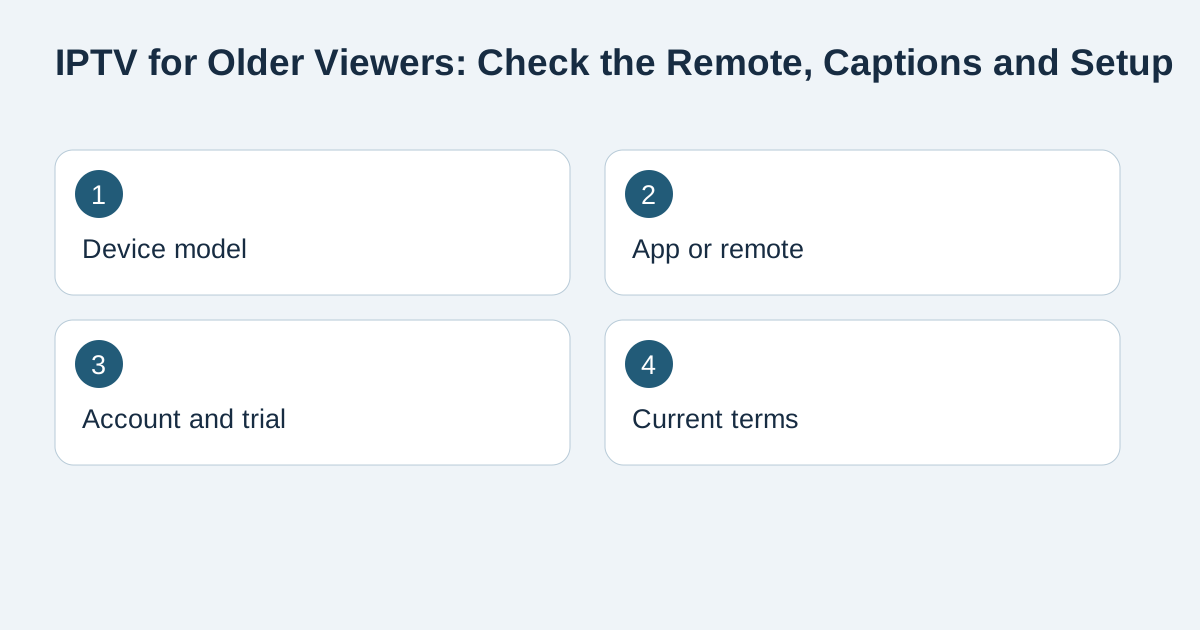
Ask what they watch, what device they use now, and which parts of the current setup are hard. Is the challenge small text, a complicated remote, poor contrast, hearing dialogue or finding a channel again? Watch one ordinary session instead of designing around a list of advertised features. Note how many button presses it takes to turn on the television, open the app, select the service and return to a familiar channel. A setup that needs a second person at every launch is not a good fit even if the monthly price looks appealing.
Test the remote in the living room
Use the intended remote from the usual seat. Check button size and contrast, whether the home and back keys are easy to recognize, and whether the app responds predictably to repeated presses. If the person already uses a voice remote, test the commands they actually need rather than assuming all player functions accept voice input. Keep written instructions beside the TV for the first week: power, app, channel, volume and a safe way back to the home screen. Photograph the remote with the useful buttons labelled for that household. A simpler supported player can matter more than a larger channel list.
Check captions and audio on actual content
Google's Google TV accessibility guide documents captions and TalkBack on compatible Google TV devices. Those are device features; caption availability for a particular channel or app is a separate question. During a trial, where eligible, open the specific kind of program the viewer expects to watch and inspect caption controls, size and contrast. Try the normal speaker or hearing device arrangement. Do not promise that every live stream offers captions or multiple audio tracks. If a particular feature is essential, request a current answer from the provider for that content and device.
Make the first login easy to recover
Typing a long account name with a television remote can cause repeated errors. Set up the supported player with the viewer present and document the safe steps to reconnect. Keep the password and full playlist URL in a private password manager, not on a paper visible to visitors. If a caregiver assists, agree on who owns the billing account and where support requests should go. One service login, one player licence and one billing sign-in can be separate credentials. Our renewal guide helps distinguish the next payment from device and account setup.
Check the subscription against everyday use
Count actual simultaneous viewers. If one person moves between a living-room TV and a bedroom TV but never watches both at once, ask what connection allowance is required rather than assuming two installations need two streams. Confirm the current order total, renewal terms and support channel before checkout. A trial can show whether the viewer can navigate the setup today, but it does not prove future uptime or a permanent programme catalogue. Choose a short commitment while the household is still learning the interface. Our one-month buying checklist explains the tradeoff without inventing a fixed price.
Prepare support before a problem occurs
Write down the device model, operating system, player name and account email. Keep the order reference private. If an issue appears, record the exact wording and whether the app opens, logs in or fails only during playback. That description helps support faster than “the TV is broken.” Avoid remote-access offers from strangers and unofficial downloads. A helpful caregiver can test one change at a time and preserve working settings. If the viewer cannot use the setup comfortably after the trial, pause the purchase rather than hoping a longer plan fixes usability.
Frequently asked questions
Does every IPTV channel include captions?
No universal availability should be assumed. Test the relevant content and device, and ask the provider about a specific current channel.
Is a voice remote enough to make a player accessible?
Not by itself. Check the actual commands, menu text, navigation and recovery path on the chosen app.
Should I buy two connections for two installed televisions?
Ask the provider. The important distinction is usually how many streams must run simultaneously, subject to the current plan rules.
Can a trial prove the setup is suitable?
It can help assess current navigation and playback on the intended device, but it cannot guarantee future service or content.
Where should I keep the login details?
Store them privately with the account owner or caregiver. Do not leave a full playlist URL or password beside a shared television.
What information should I give support?
Give the device model, player, order reference and exact problem through an official private channel, without posting passwords or payment details.